 Tetrate Service BridgeVersion: 1.14.x
Introduction
This page will give you an overview of everything that you need to get started with a Hosted installation of Tetrate Service Bridge (TSB).
Getting started
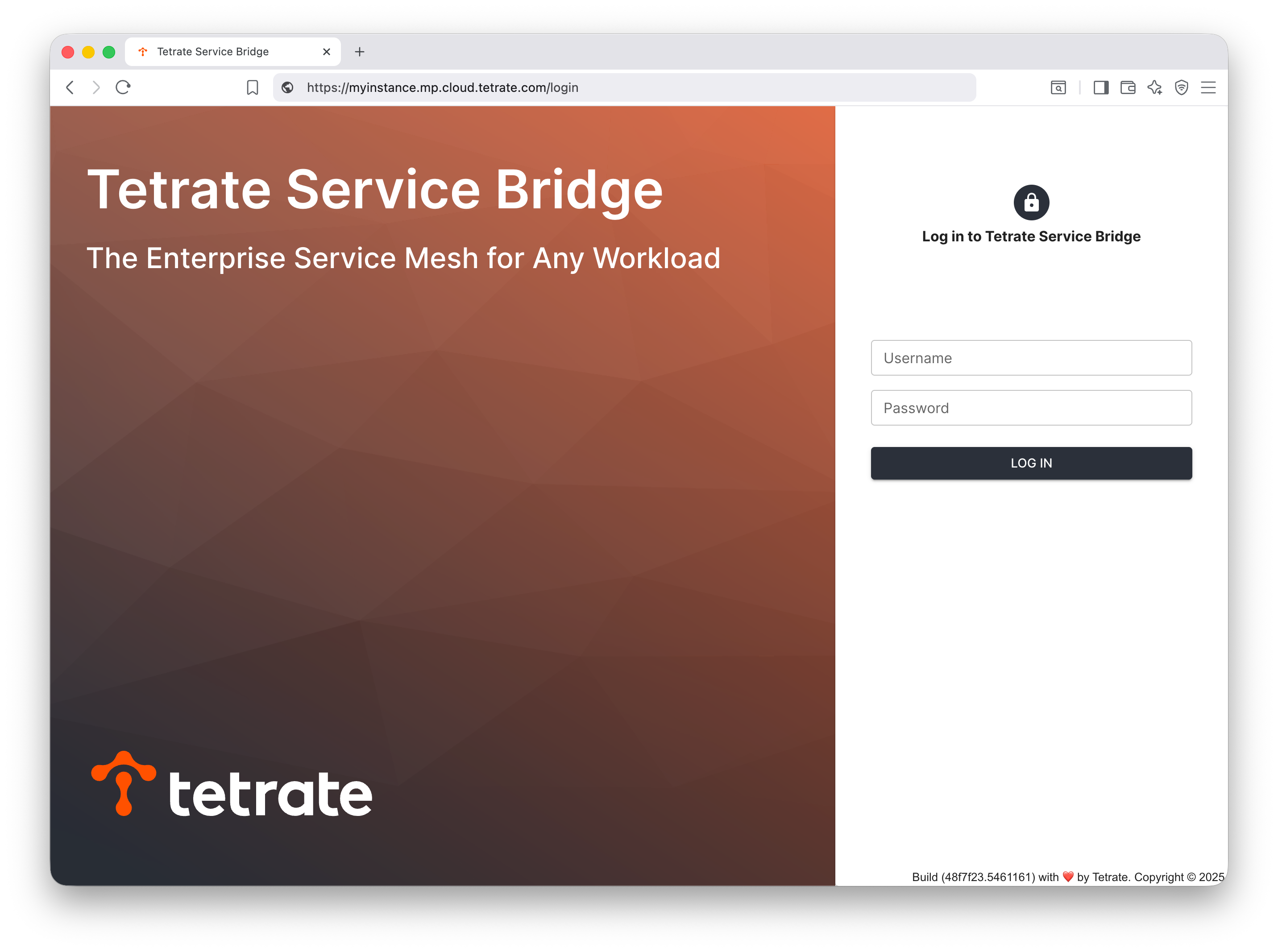
Your Tetrate support contact will provide you with the details of the Management Plane URL and the login credentials. If you do not have these, please contact your Account Representative or Tetrate Support.
Verify that you can log in to your Tetrate Management Plane:
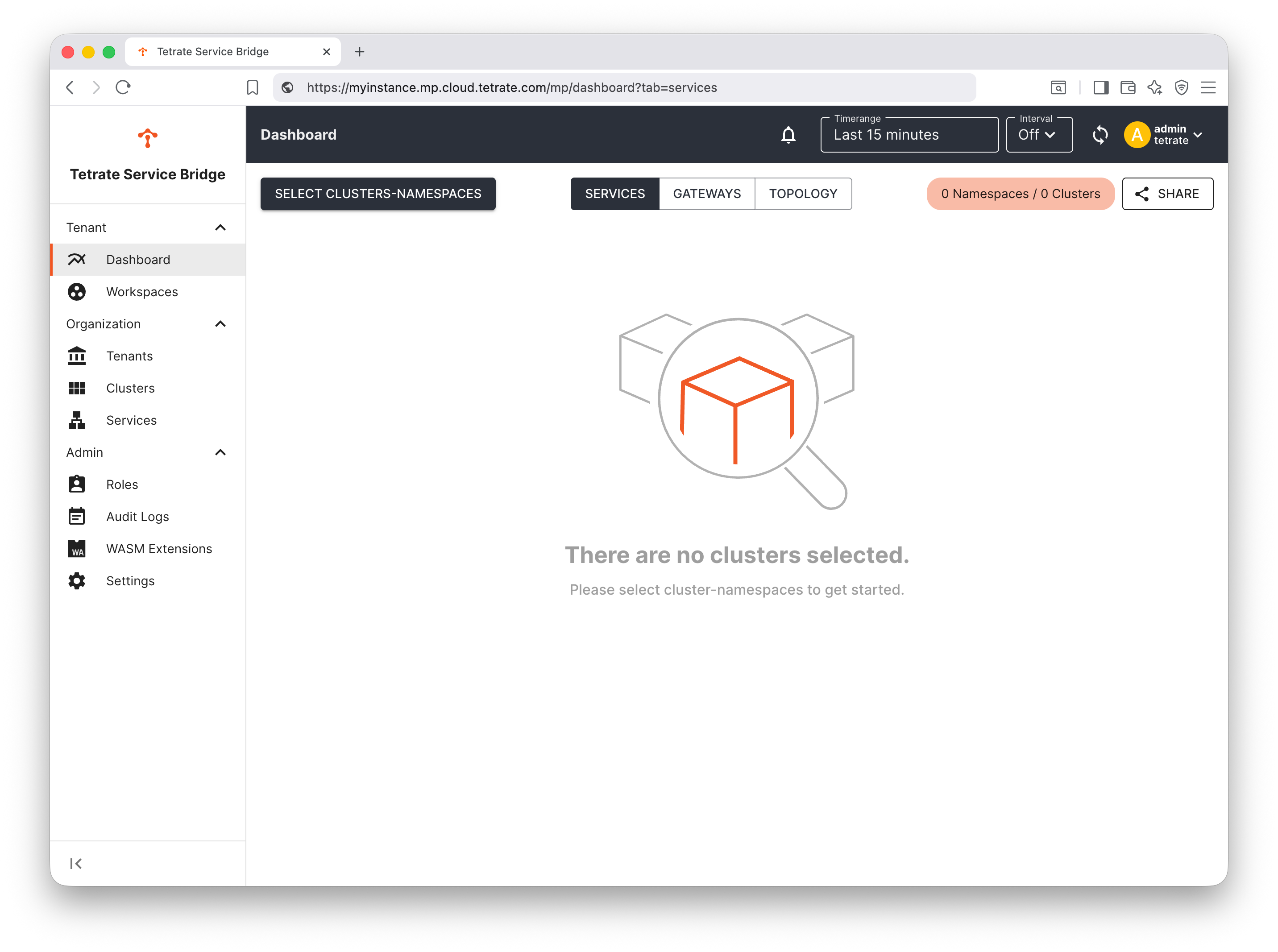
When you begin, the TSB platform will be unconfigured:
Add a Workload Cluster
First, you will want to add one or more Workload clusters to your TSB installation. This will then allow TSB to manage traffic and services on those clusters.
You onboard a cluster by installing the TSB control plane software on that cluster and registering it with TSB.
To add a Workload cluster, you need to:
- Acquire the Tetrate
tctlmanagement tool - Download the helm charts
- Determine the version of the Control Plane software you wish to install, and syncing the software images